External and internal programs and ERGs
Visit the Programs & Marks page to view and download all assets
Click to expand
External program marks
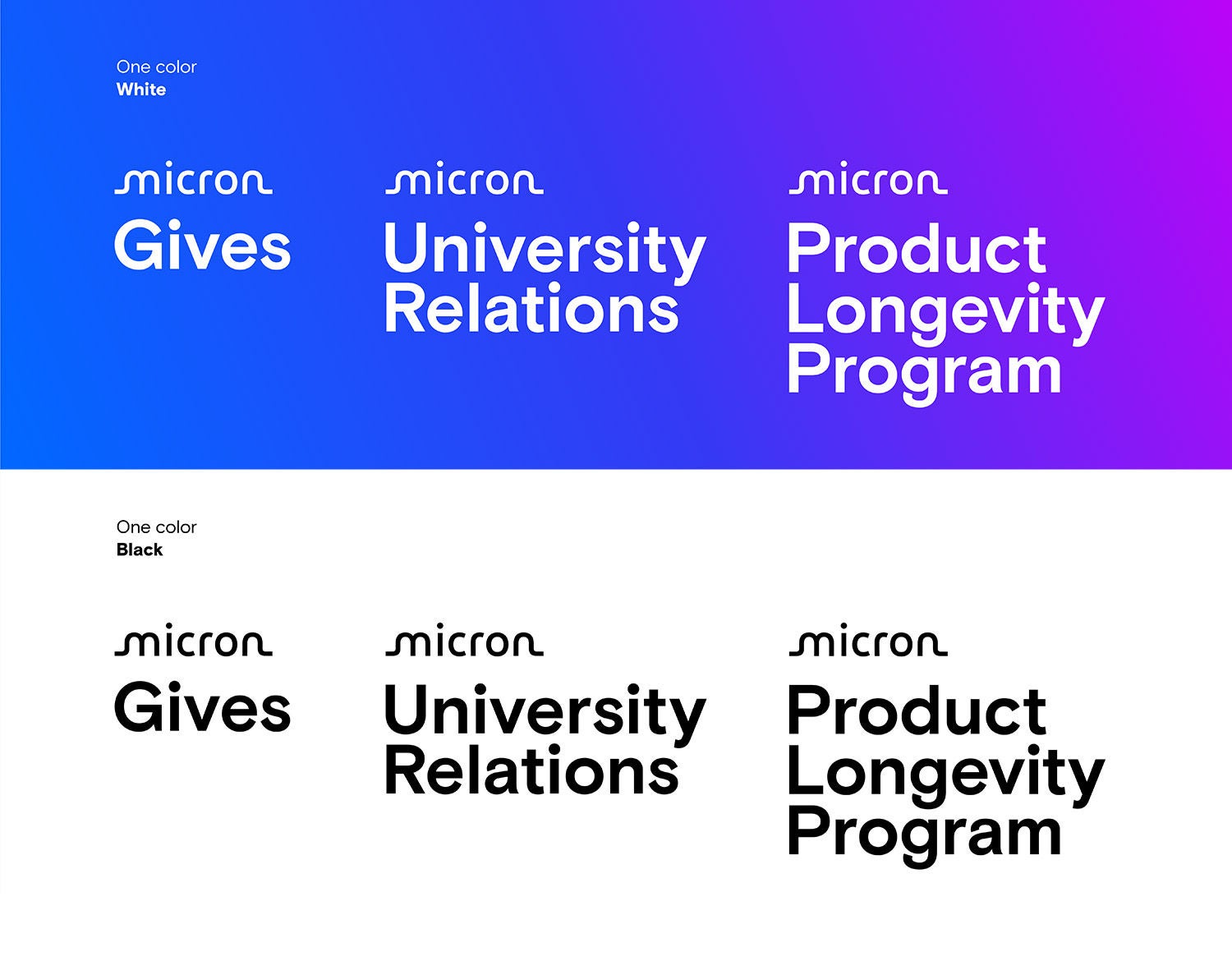
External programs are public facing and enterprise wide. These marks can be used on any items that showcase our external programs.
Lockup treatments
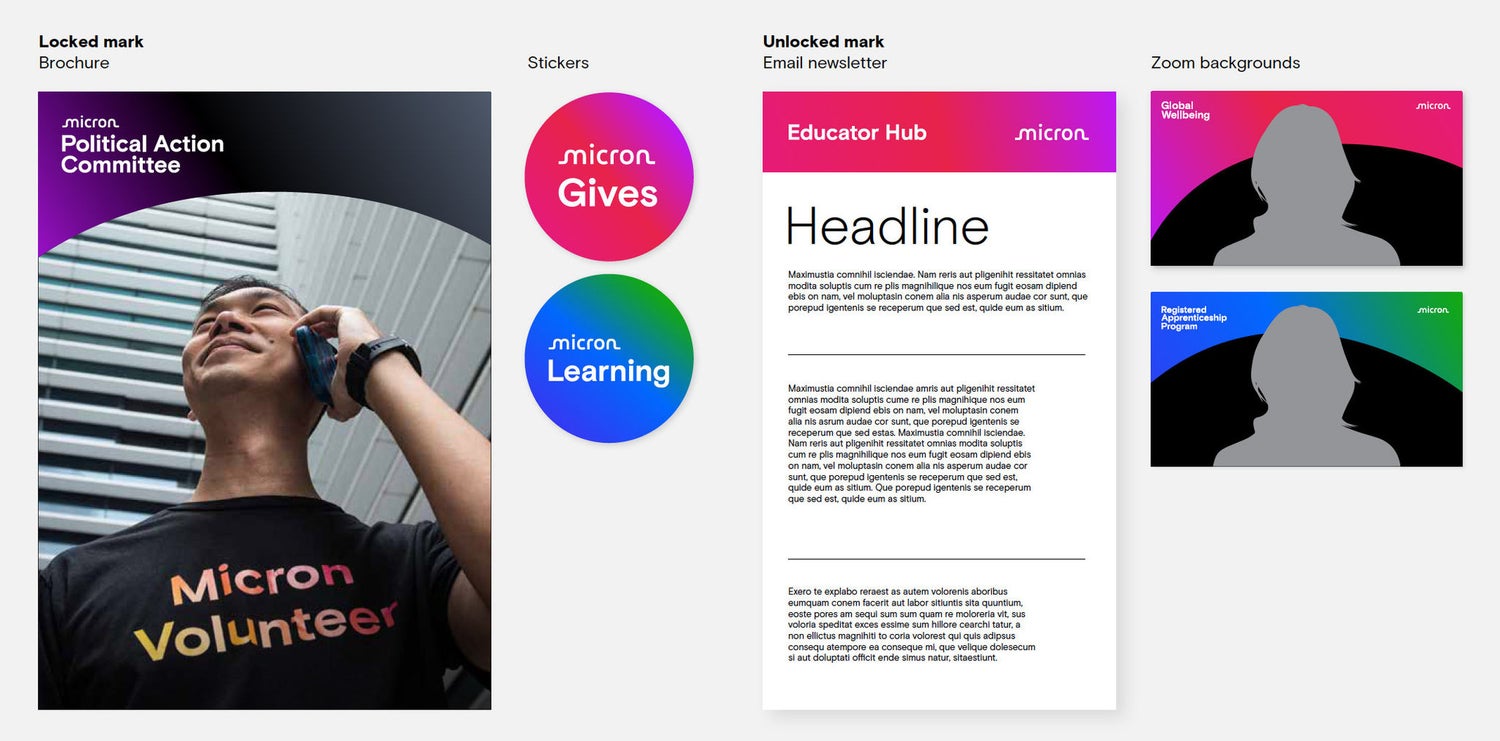
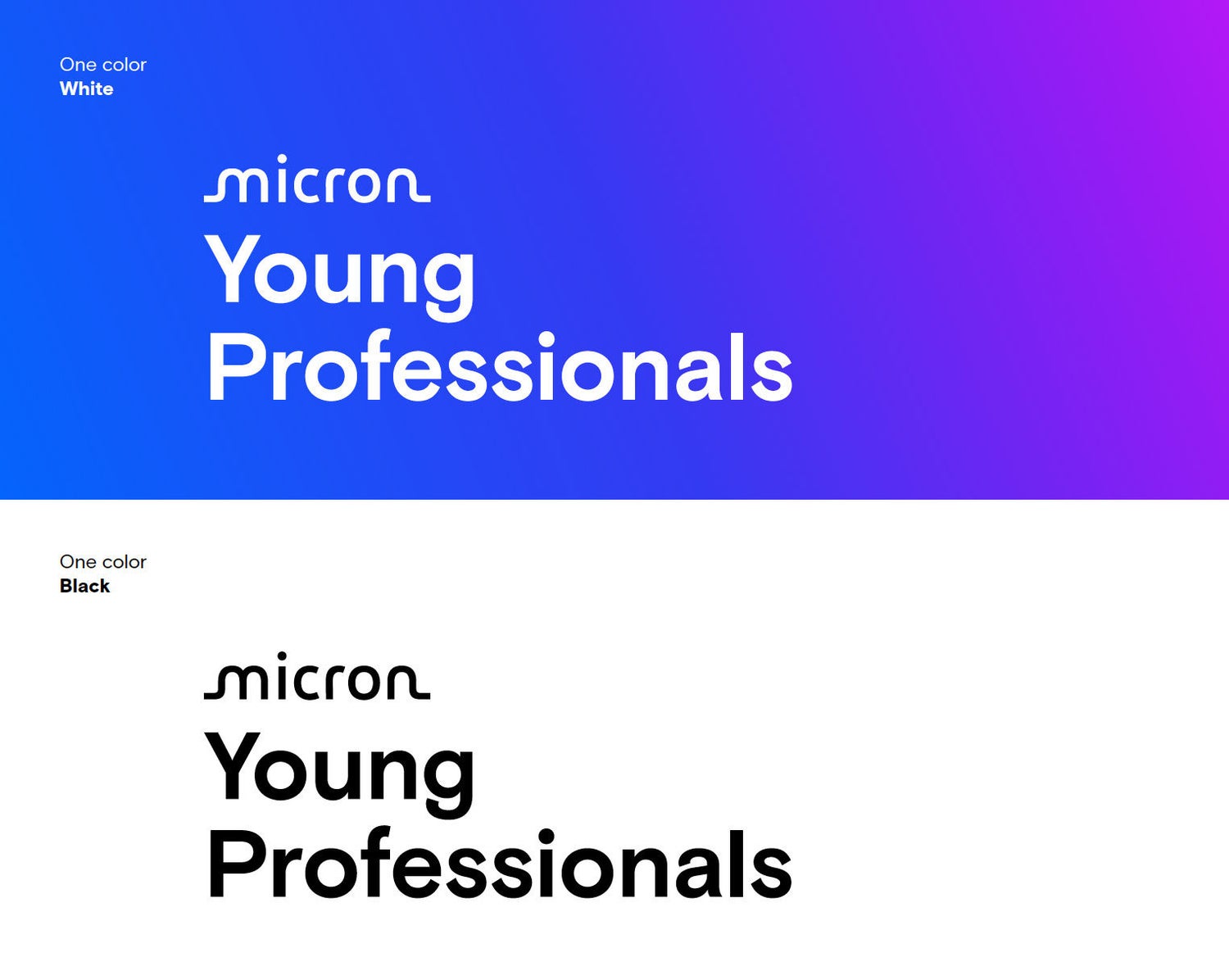
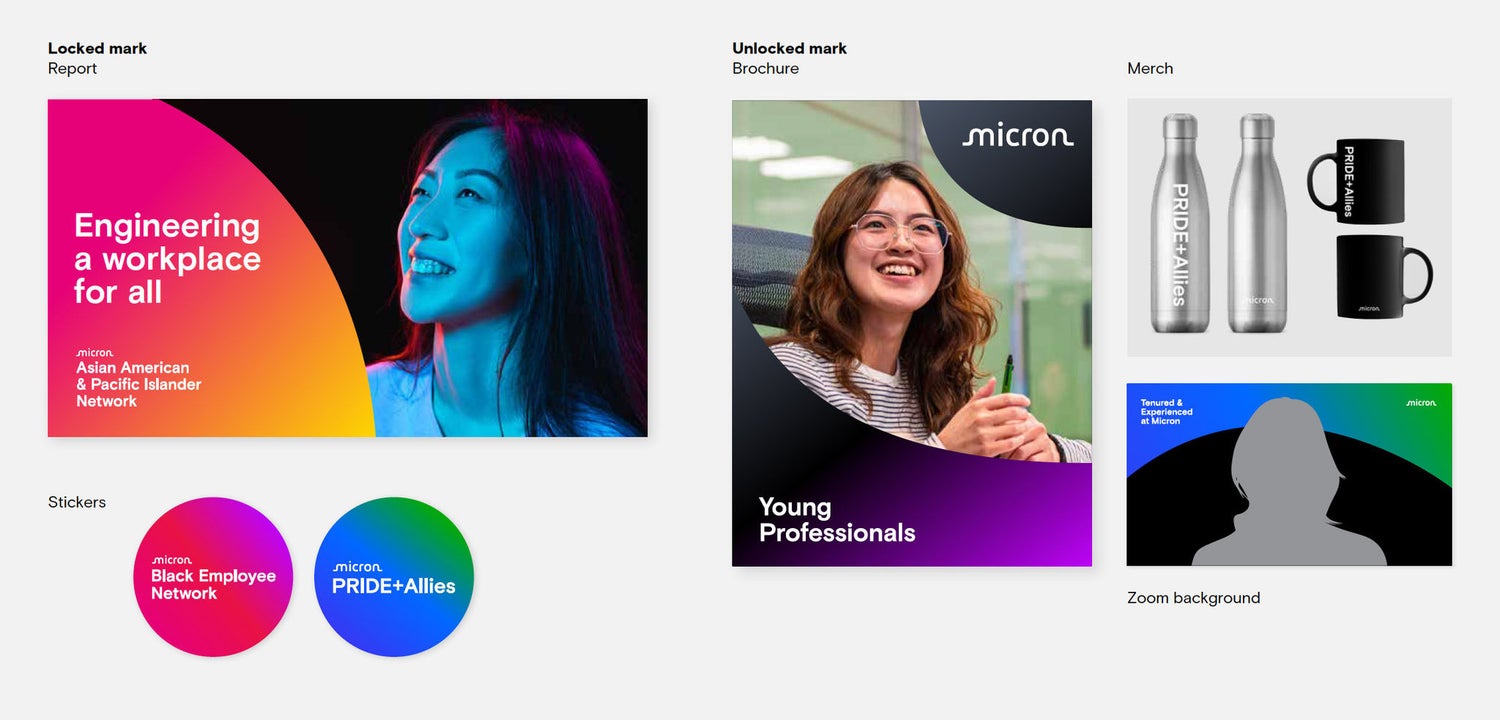
External program marks are locked up with the Micron logo as a standard treatment. However, they may also be unlocked from the Micron logo, provided that the Micron logo is somewhere else on the asset.
Note: In instances where the communication is presented on a Micron platform (a social media post or onsite digital signage, for example), the Micron logo does not need to sign off the piece.
Click to expand
External program marks usage examples
Click to expand
Internal program marks
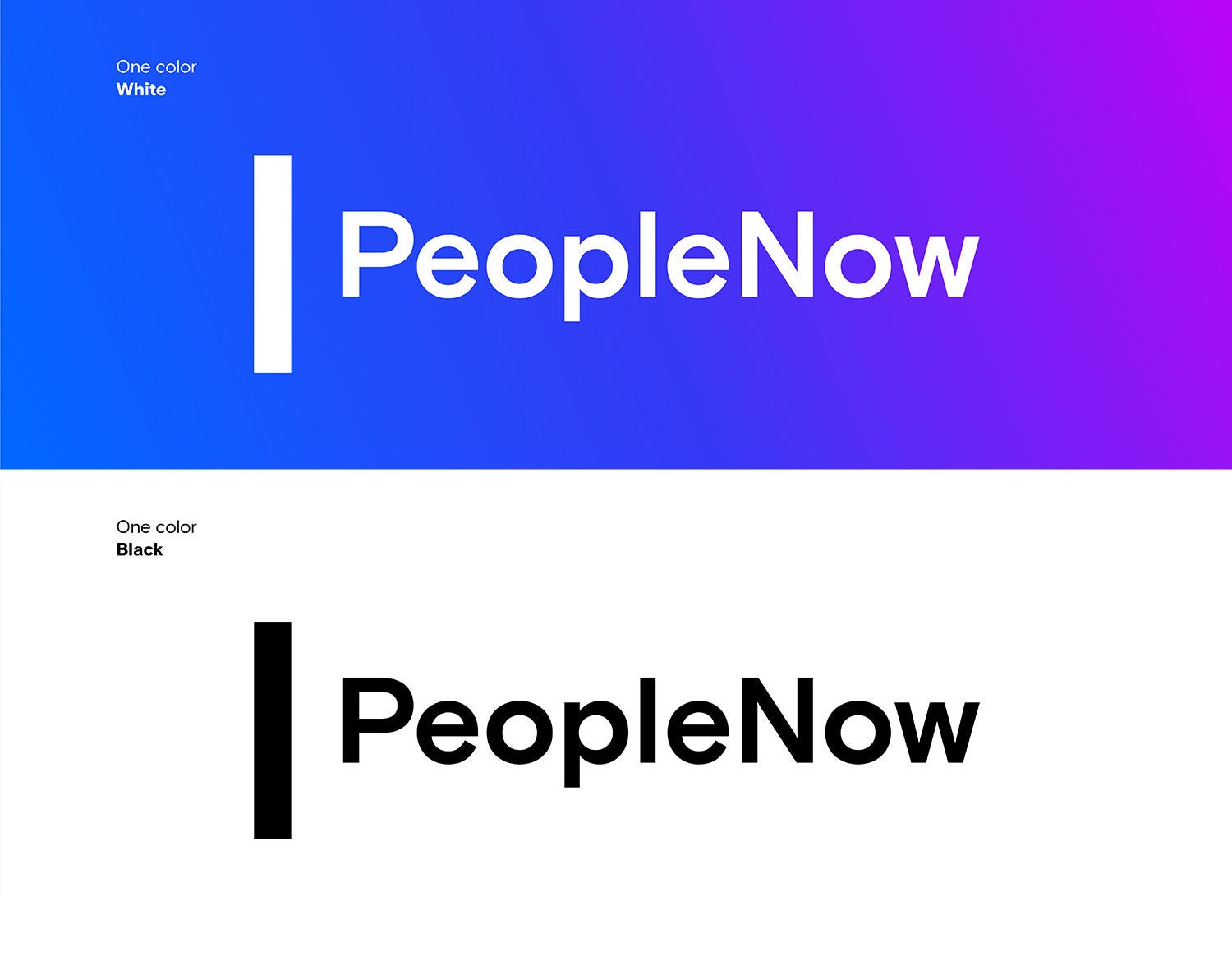
Internal program marks are used for internal tools and services that support all team members. Departments and teams are not eligible for program marks and can’t use the vertical bar treatment.
No Micron logo required
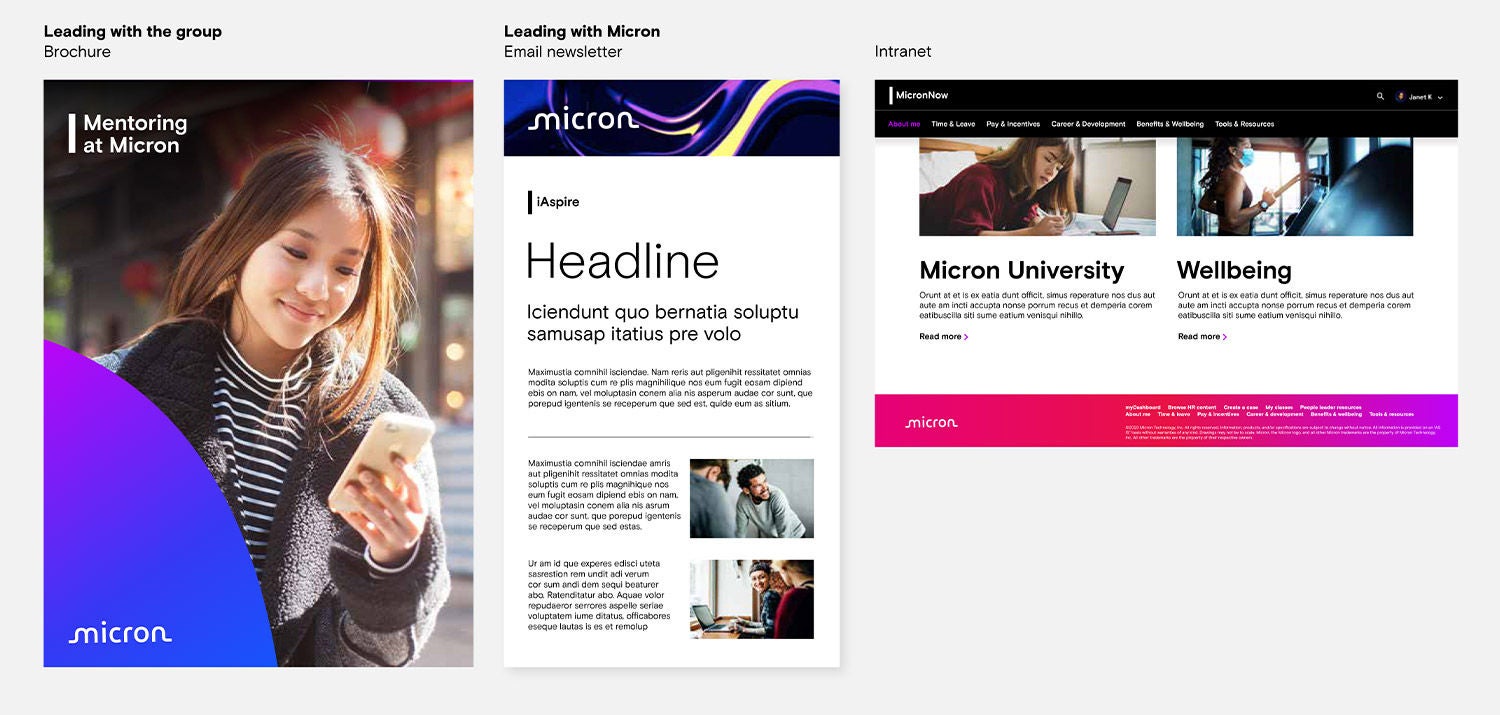
Internal program marks are unlocked from the Micron logo as a standard treatment. They do not need to be paired with a Micron logo on an asset.
Do not combine the Micron logo, M symbol, brand-approved icons or any other graphics with the internal program marks. Do not create new mark lockups.
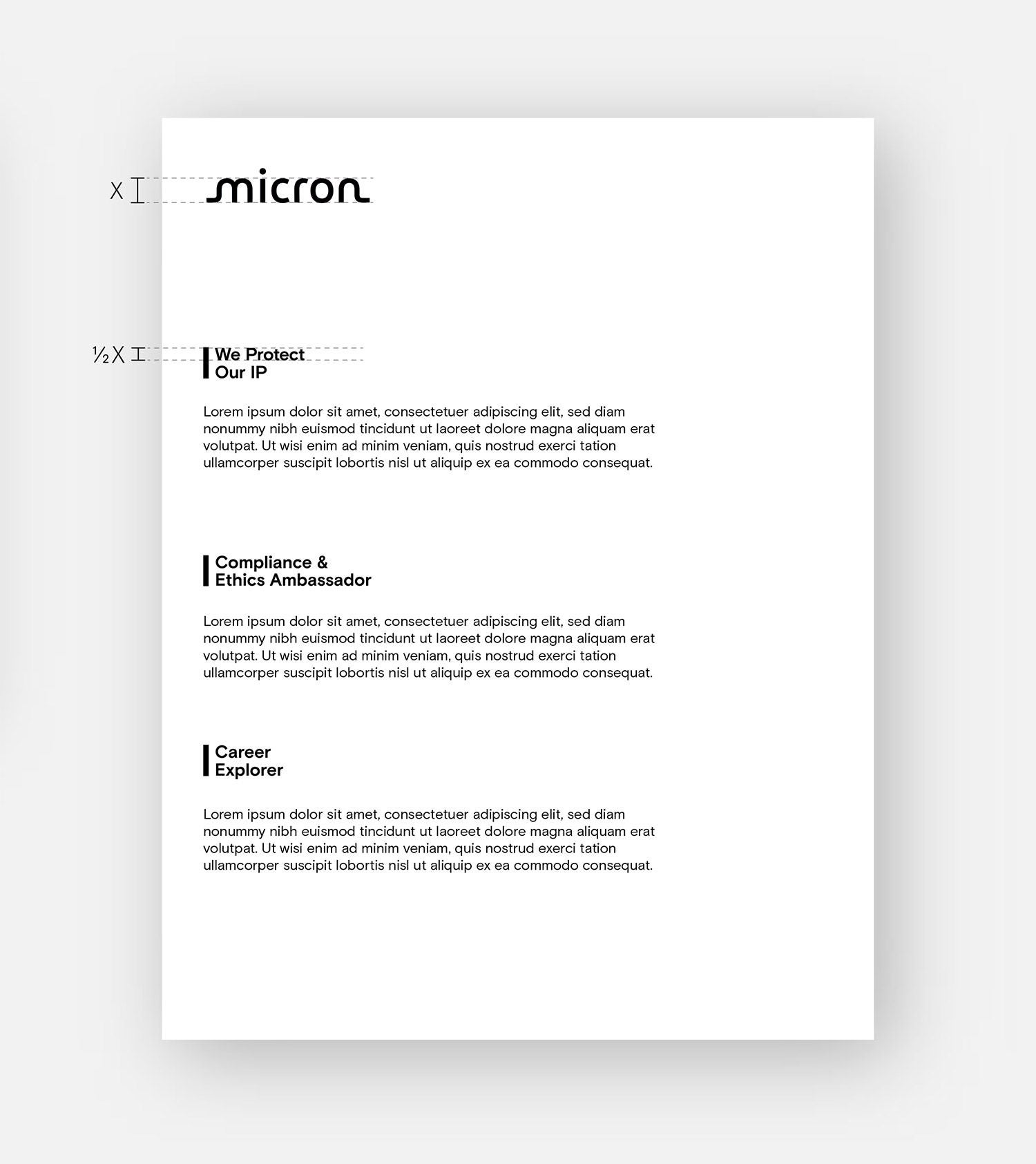
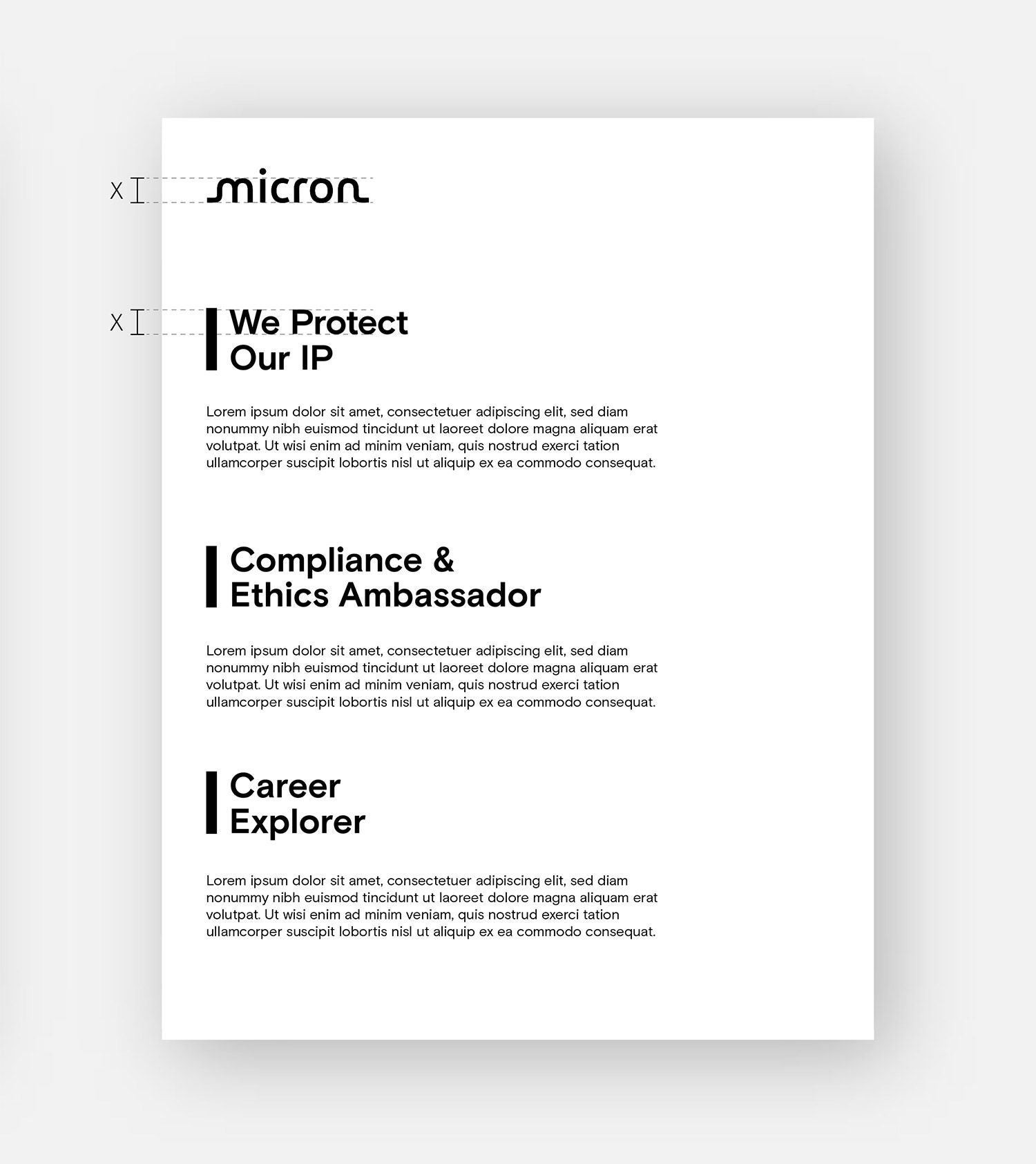
The vertical bar, a nod to our linear, geometric wordmark, visually connects our group and program marks to our logo.
Click to expand
Internal program marks usage examples
Click to expand
Employee resource group (ERG)
External programs are public facing and enterprise wide. These marks can be used on any items that showcase our external programs.
Lockup treatments
External program marks are locked up with the Micron logo as a standard treatment.
However, they may also be unlocked from the Micron logo, provided that the Micron logo is somewhere else on the asset.
Note: In instances where the communication is presented on a Micron platform (a social media post or onsite digital signage, for example), the Micron logo does not need to sign off the piece.
Click to expand
Employee resource group (ERG) usage examples
Internal program marks layout hierarchy
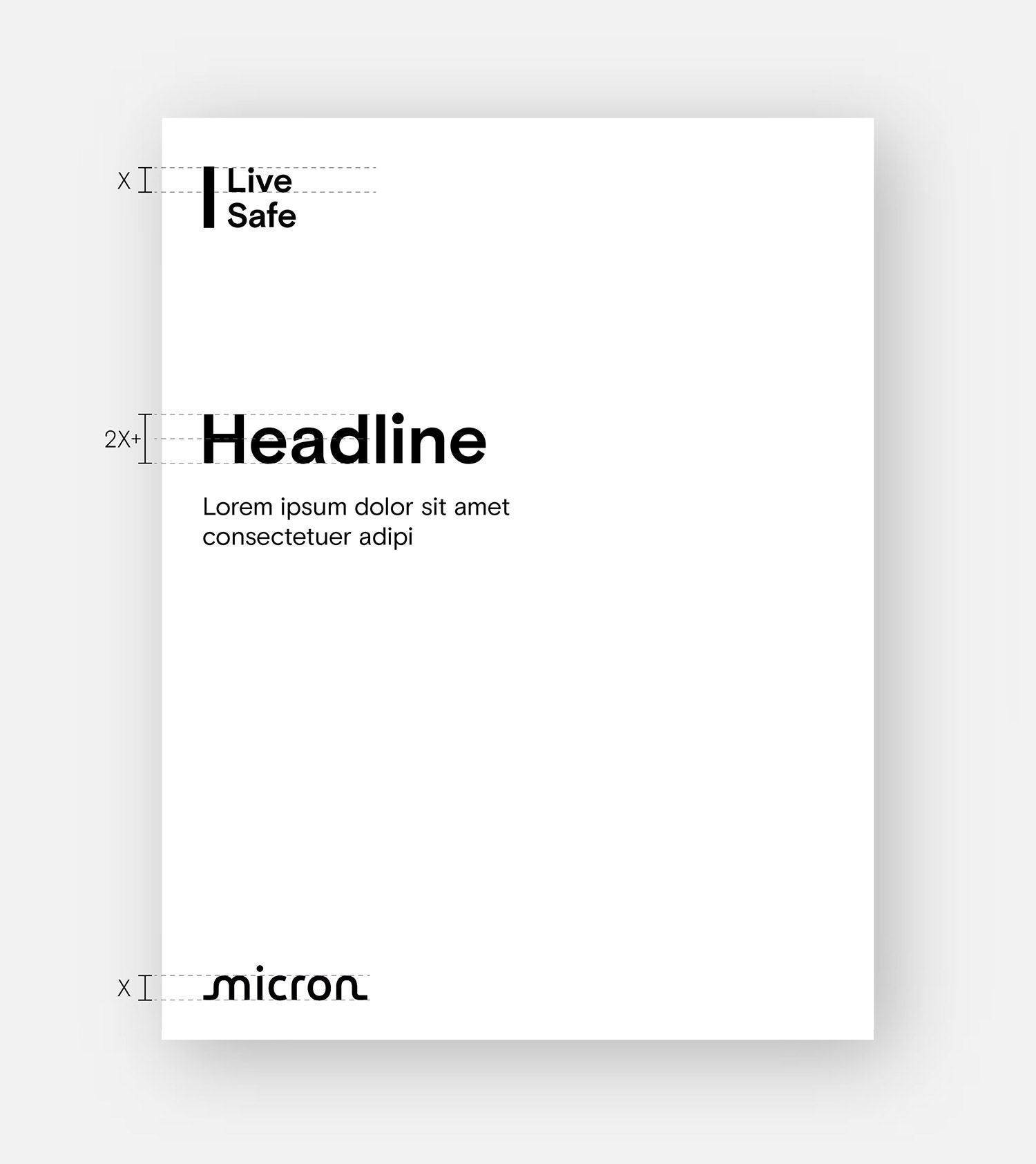
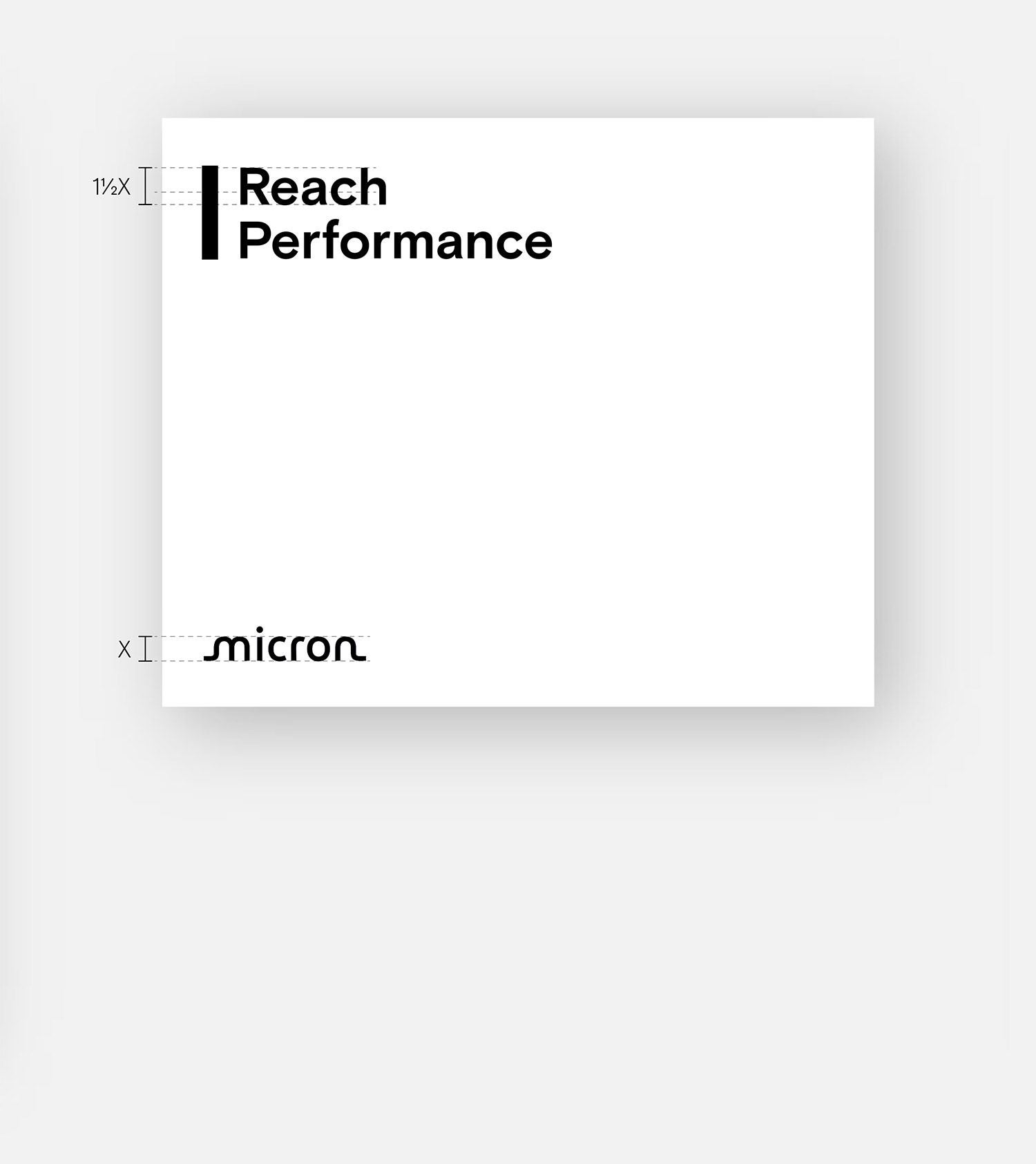
The group and program marks should always be paired with the Micron logo. Each communication piece can lead with either the group/program mark or with the Micron logo. In either instance, the left edge of the group/program mark should align with the edge of the “M” in the Micron logo.
Leading with the group/program
The group/program mark should be placed at the top left corner of the layout, to lead the piece. The Micron logo should be placed at the bottom of the layout, signing off the piece, either in the left or right corner.
Leading with Micron
The Micron logo should be placed at the top of the layout, in either the left or right corner, leading the piece — followed by the group/program mark(s).